
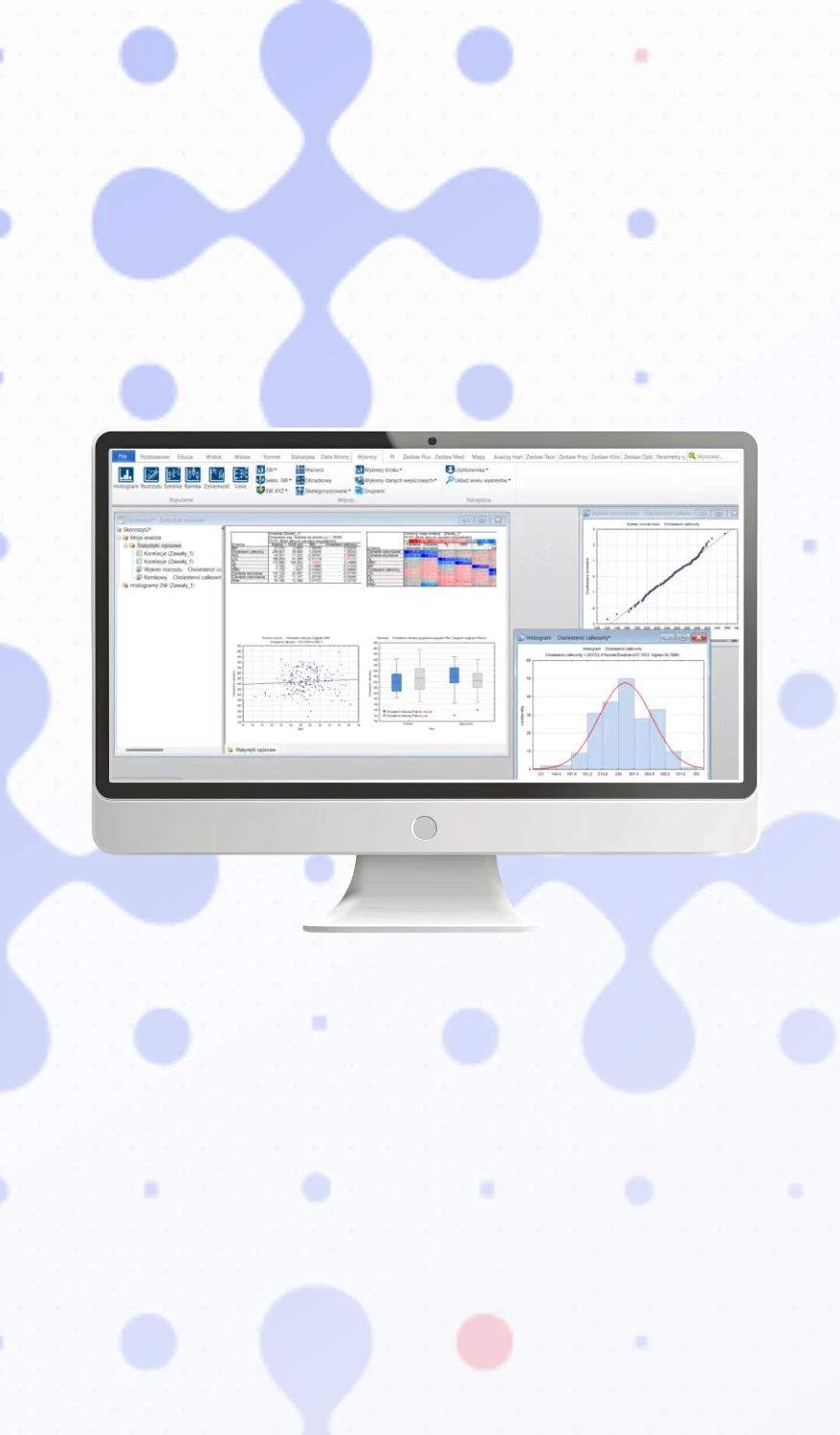
Software: Statistica Desktop (3-year license)
Statistica Desktop offers the full spectrum of statistical methods, data import, export and preparation, visualizations, and reporting.
- Product: Statistica Desktop
- Version: Named User
- Language: English, Polish
- Number of users: 1
- License term: 3 years
- Delivery: electronic
We process deliveries subject to territorial restrictions.
Product code: 5265-65637
Description
Statistica Desktop is a comprehensive analytical environment designed for conducting statistical analyses, preparing and processing data, creating visualizations, and reporting results. The solution enables both quick ad hoc analyses and more complex, multi-step analytical processes that can be saved, automated, and reused.

The program offers a wide range of statistical methods to support data analysis, modeling, and process evaluation. Available functions include, among others, descriptive statistics, correlation analysis, linear and nonlinear regression, ANOVA/MANOVA, nonparametric methods, multivariate analysis, factor analysis, cluster analysis, discriminant analysis, time series analysis, survival and reliability analysis, design of experiments (DOE), test power analysis, and interval estimation.
Statistica Desktop is also used in the analysis of manufacturing processes and quality control. Among other things, it enables statistical process control (SPC), multidimensional statistical process control, analysis of process parameters, creation of control charts, and conducting quality and reliability analyses. As a result, this solution can help identify factors affecting process or product quality and assess the stability of ongoing processes.

Data Preparation, Cleaning, and Transformation
Proper data preparation is an essential part of analytical work. Statistica Desktop provides tools to support data import, profiling, cleaning, and transformation. Among other things, it is possible to detect missing values, outliers, duplicates, and inconsistencies, as well as to recode data, merge datasets, sample data, create subsets, and impute missing data.
Data profiling features allow for the analysis of value ranges, distributions, text labels, missing data, and potential anomalies. The results of such an analysis can be used to generate diagnostic reports and automate selected operations related to data quality improvement.
Advanced transformation methods are also available, such as the Box-Cox transformation, which can be used to transform variables to achieve a distribution closer to normal and prepare the data for further statistical modeling.

Graphical design and automation of analytical processes
Analytical processes can be created as graphical workflows within workspaces. Users can combine successive stages of data preparation, statistical analysis, visualization, and reporting into a single, cohesive process.
A process created in this way can be saved, rerun, and reused for subsequent datasets. This facilitates the standardization of analyses and reduces the need to manually repeat the same steps. In many cases, creating an entire analytical workflow does not require programming.
For more advanced users, there are also options to extend processes with custom code.
Integration with R and Python
Statistica Desktop enables integration with popular programming languages used in data analysis - R and Python. This allows users to combine Statistica’s built-in functions with their own scripts, libraries, and analytical methods available in these environments.
R or Python code can be used as part of a larger analytical process, allowing users to extend the program’s standard capabilities with custom calculations, data preparation, or their own models. This combines the graphical approach to building analytical processes with the flexibility of programming.

Data Import, Export, and Integration
Statistica Desktop allows you to work with data from a variety of sources. Data can be imported from Excel files, CSV files, and fixed-width text files, among others. It is also possible to retrieve data from databases.
Within the workspace, you can combine and transform data from various sources, prepare it for analysis, and use it as part of subsequent stages of the process. The results of the analyses can then be exported to Excel and CSV files, among others.
Visualization and Reporting
The solution also offers a wide range of tools for visualizing data and analysis results. Both two-dimensional and three-dimensional charts are available, including histograms, line charts, scatter plots, mean-and-error plots, contour plots, variability plots, and probability plots.
Analysis results can be formatted and prepared for reporting, facilitating their further use in documentation, presentations, and decision-making processes.
Statistica Desktop combines data preparation, advanced statistical analysis, process automation, visualization, reporting, and integration with R and Python into a single environment, making it suitable for both day-to-day analyses and the development of repeatable analytical processes.
